Interactive Display

Touch Screens

Built for buyers who care about engagement, durability, interaction quality, and enclosure-led experience design.

This page is tailored for interactive products. It combines touch technology, application flow, durability, and one of the older product-family entries so the page feels like an interactive-display category rather than a generic hardware sheet.

Interaction model

Multi-touch, assisted self-service, guided navigation

Deployment fit

Kiosks, wayfinding, education, meeting rooms

Build focus

Durability, low latency, branded enclosures

Page structure

Interactive category snapshot

Touch products need to be sold through user journey and enclosure logic, not just screen specifications.

Touch precision and responsiveness

Glass durability and public-use readiness

Portrait and floor-standing options

Use-case mapping by industry

Interactive Display

Representative interactive product family

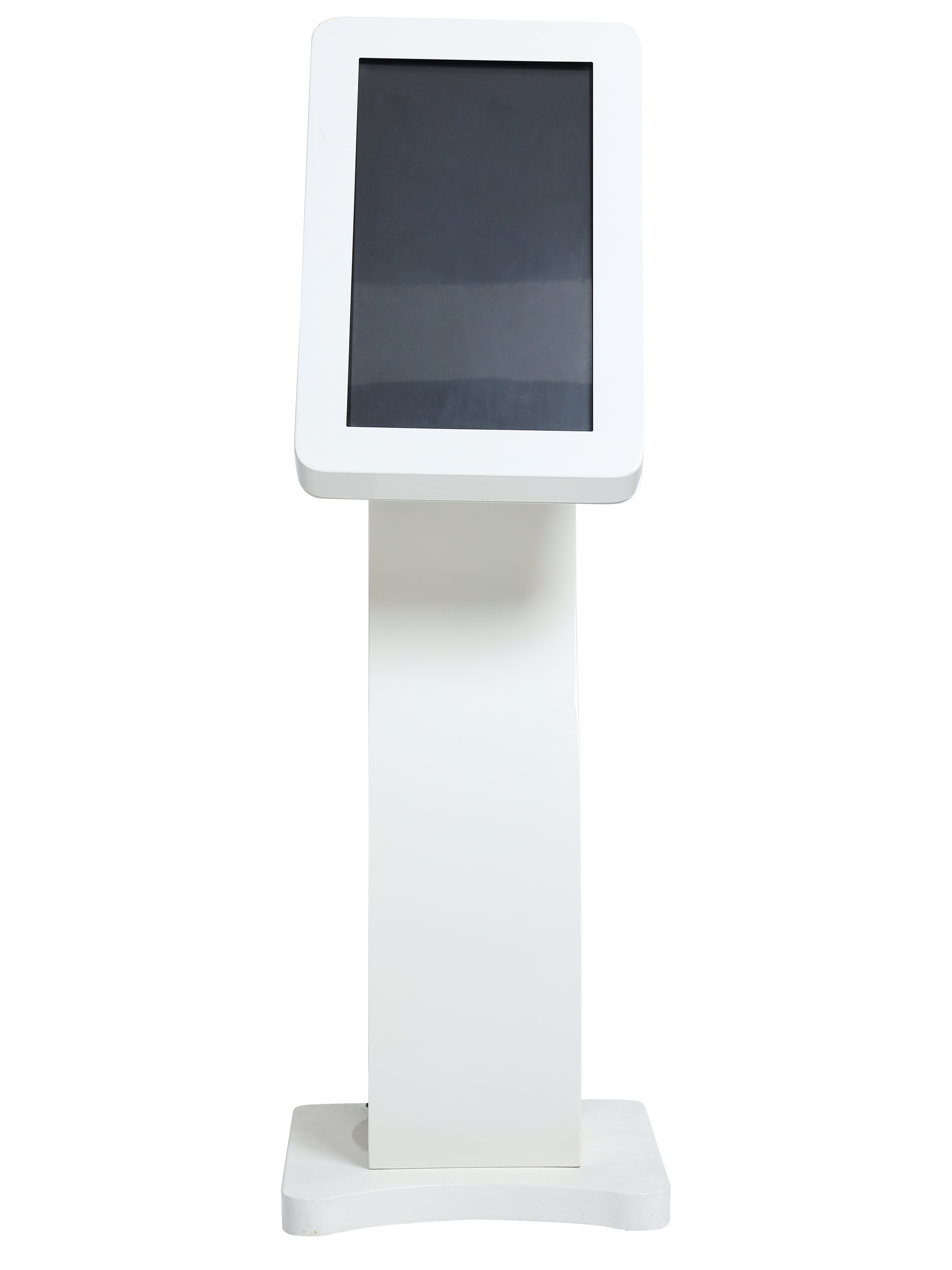
Interactive Touch Kiosk
Touch interaction
Compact floor unit
UV branding
For compact floor interaction

21.5" Vertical S Touch

An S-type floor vertical touchscreen kiosk with 21.5-inch Acer panel, Android box, UV branding, and a stylish compact presence.

Display

Acer

RAM

2 GB

ROM

16 GB

Kiosk Height

54 Inches

View more details

Interactive Display

Interactive display priorities

Multi-touch interaction

Support intuitive gestures, navigation, browsing, and selection journeys.

Tempered protective glass

Handle public use, repeated tapping, and rougher commercial environments.

Low-latency response

Natural-feeling touch response is critical for trust in kiosks and service flows.

Optically improved visibility

Reduce glare, parallax, and reflection so the touch surface feels direct and readable.

Custom mounting

Fit wall, portrait, floor-stand, kiosk, and tailored branded assemblies.

Application flexibility

Support self-service, interactive catalogues, wayfinding, and presentation surfaces.

Interactive Display

Where touch screens add value

Self-service kiosks

Retail ordering, assisted checkout, registration, and ticketing.

Wayfinding systems

Navigation experiences for malls, campuses, hospitals, and public buildings.

Interactive catalogues

Product discovery and assisted selling for showrooms and brand spaces.

Healthcare check-in

Patient self-registration and queue-facing service touchpoints.

Meeting and education spaces

Collaboration, presentation, and classroom interaction surfaces.

Brand experiences

Interactive promotional units that invite engagement instead of passive viewing.

Interactive Display

How interactive deployments are represented

1

Attract attention

Use placement, orientation, and branded enclosure design to pull users in.

2

Guide interaction

Present clear touch journeys for browsing, selecting, or checking in.

3

Connect systems

Link the screen to CMS, content, queue, or business workflows.

4

Maintain uptime

Monitor health and keep the public-facing touchpoint dependable.

Interactive Display

Designing an interactive experience, not just picking a screen?

We can help you choose the right touch format, enclosure, and interaction flow for your use case.

Ready to transform your displays?